pro-Tag1.2
Publisher Description
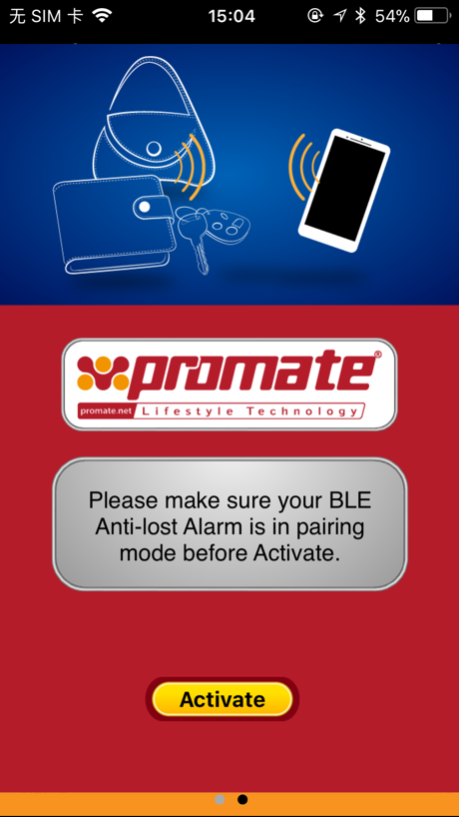
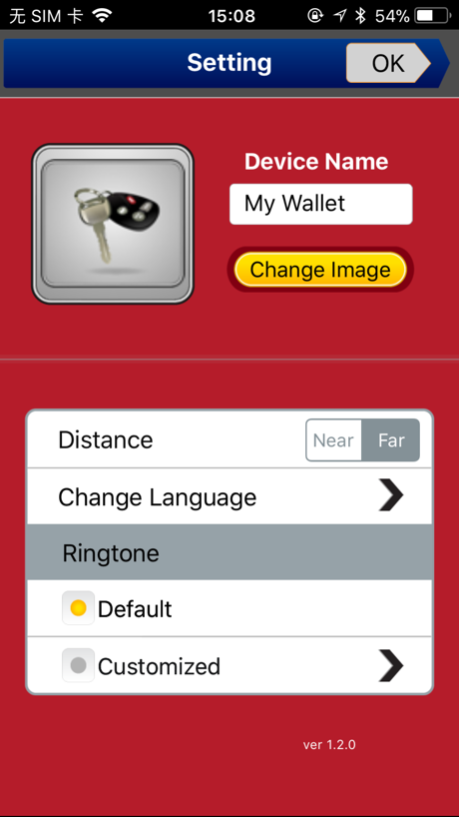
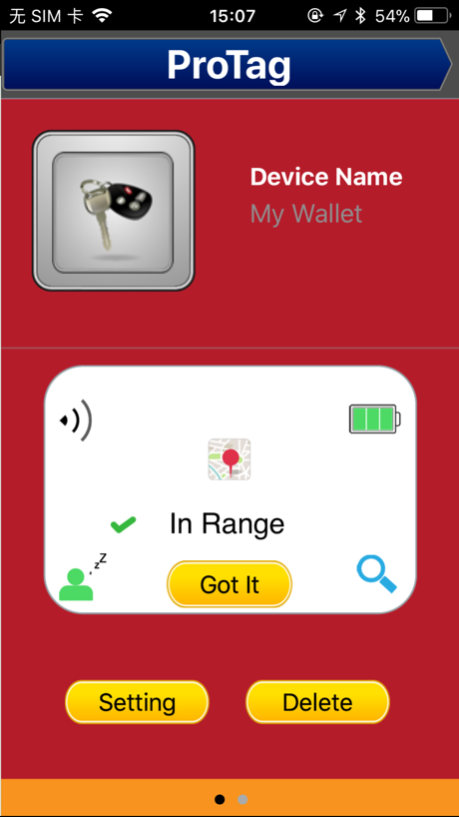
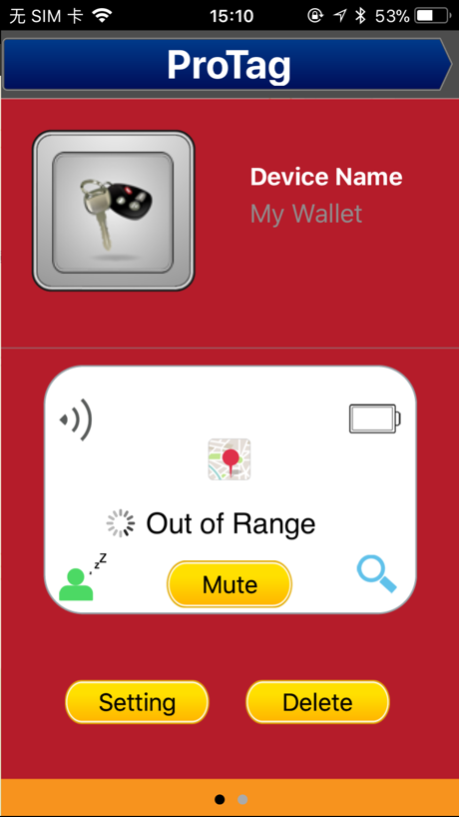
proTag from Promate Technologies, a 2-way anti-separation alarm that ensures you never leave your valuables behind. proTag uses low energy consumption Bluetooth® v4.0 technology to create a two way anti-separation connection between your smartphone and the product tagged to proTag. When this connection is broken the alarm on both the tag as well as your smartphone begin ringing. In addition to this the pro-Tag app provides a map link to the last known location of your valuable. In addition to this a camera shutter remote control has also been included that make taking selfies a breeze.
Compatibility:
iOS6.1+ mobile devices with Bluetooth LE technology
Support Devices:
iTouch5, iPhone4S/5/5s/5C/6/6 Plus or later
iPad2/new iPad/iPad mini /iPad Air or later
Features:
Runs on low energy consumption Bluetooth® v4.0 technology
Ultra-thin and portable tag
2 way anti-lost alarm
Remote Shutter
Built-in replaceable battery
Supports Apple devices
Tracker app available on App Store
Track your lost item via the map included in the tracker app
Continued use of GPS running in the background can dramatically decrease battery life
Oct 17, 2017
Version 1.2
This app has been updated by Apple to display the Apple Watch app icon.
Bug fixed
About pro-Tag
The company that develops pro-Tag is 成 林. The latest version released by its developer is 1.2.
To install pro-Tag on your iOS device, just click the green Continue To App button above to start the installation process. The app is listed on our website since 2017-10-17 and was downloaded 13 times. We have already checked if the download link is safe, however for your own protection we recommend that you scan the downloaded app with your antivirus. Your antivirus may detect the pro-Tag as malware if the download link is broken.
How to install pro-Tag on your iOS device:
- Click on the Continue To App button on our website. This will redirect you to the App Store.
- Once the pro-Tag is shown in the iTunes listing of your iOS device, you can start its download and installation. Tap on the GET button to the right of the app to start downloading it.
- If you are not logged-in the iOS appstore app, you'll be prompted for your your Apple ID and/or password.
- After pro-Tag is downloaded, you'll see an INSTALL button to the right. Tap on it to start the actual installation of the iOS app.
- Once installation is finished you can tap on the OPEN button to start it. Its icon will also be added to your device home screen.
Program Details
System requirements
Download information
Pricing
Version History
version 1.2
posted on 2017-10-17
Oct 17, 2017
Version 1.2
This app has been updated by Apple to display the Apple Watch app icon.
Bug fixed
